
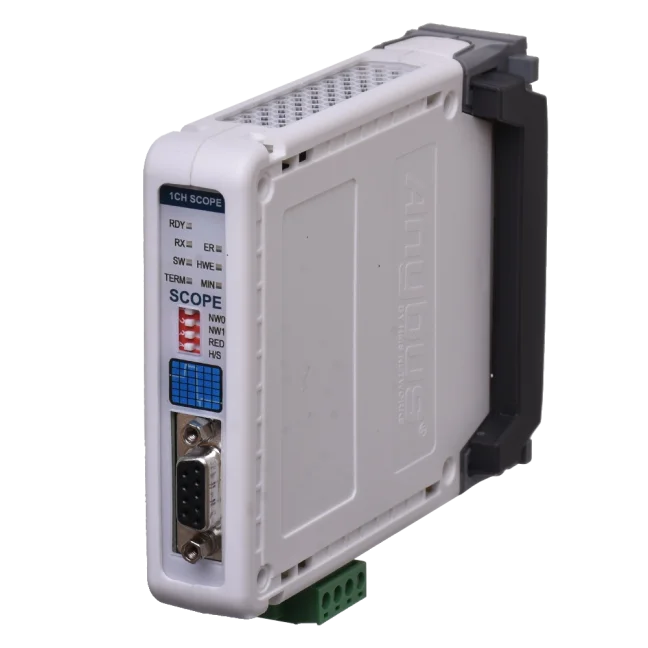
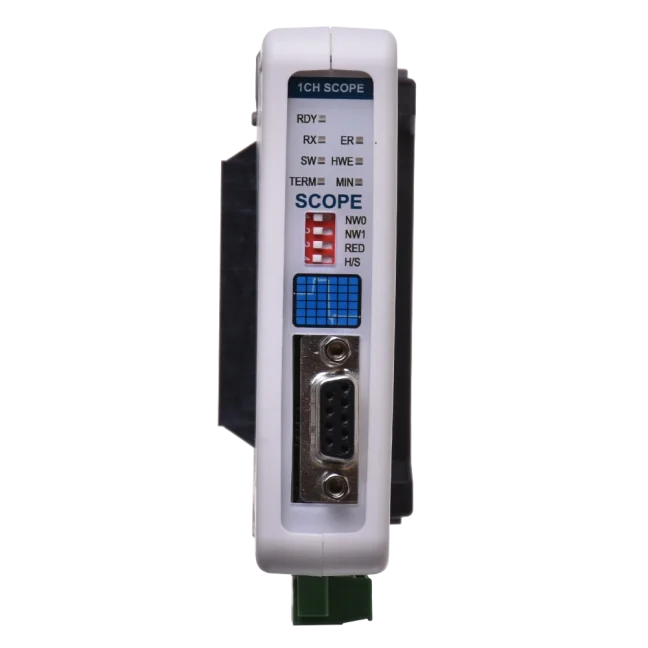
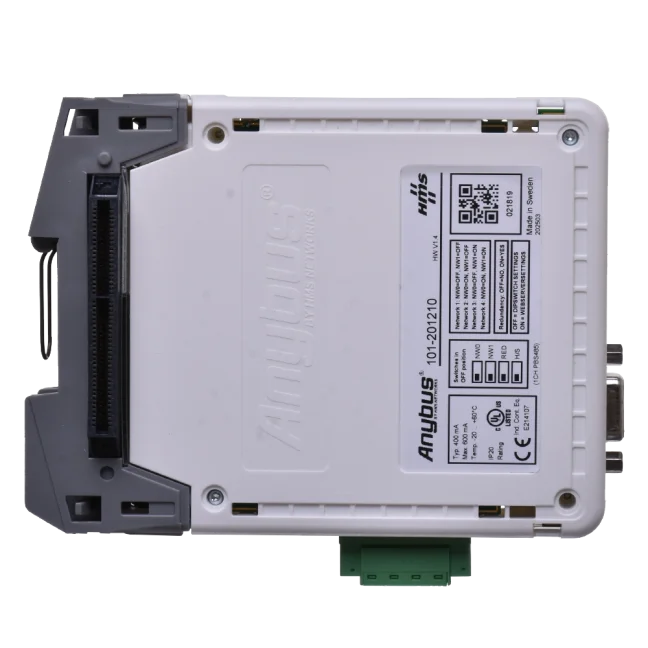
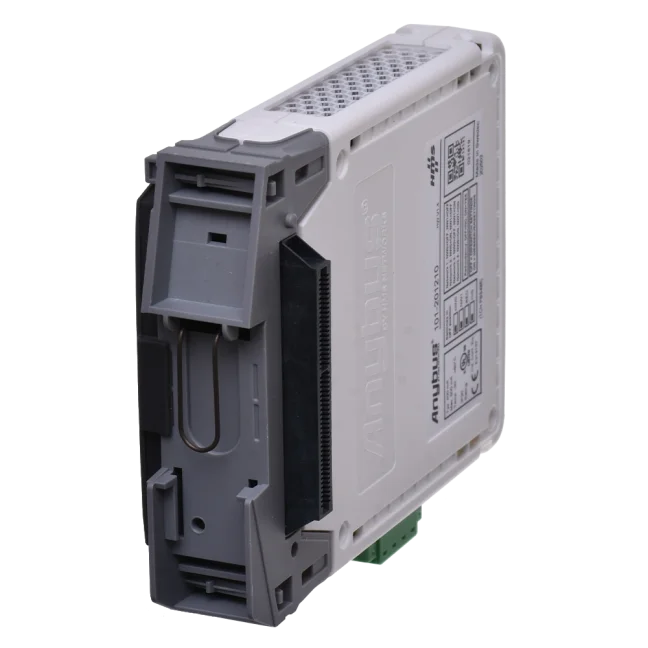
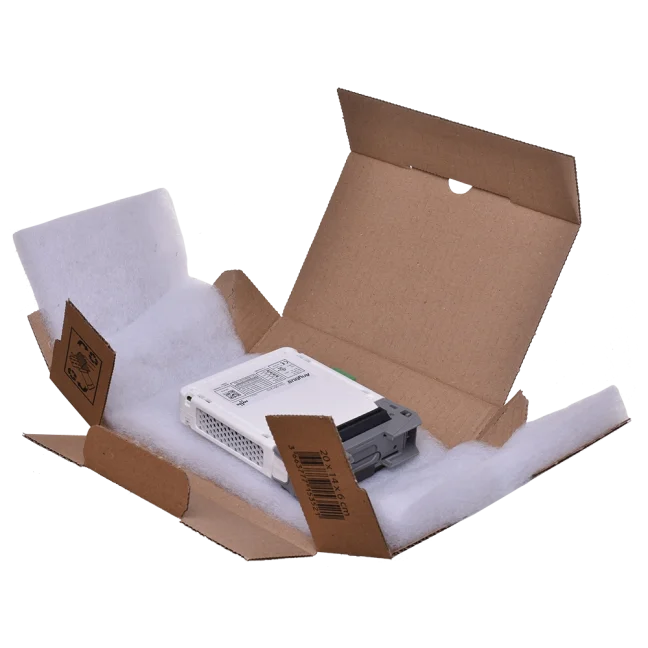
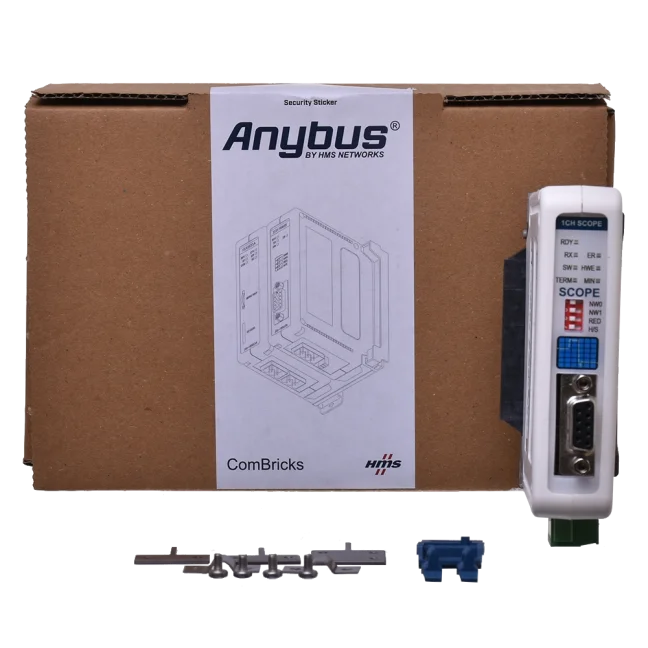
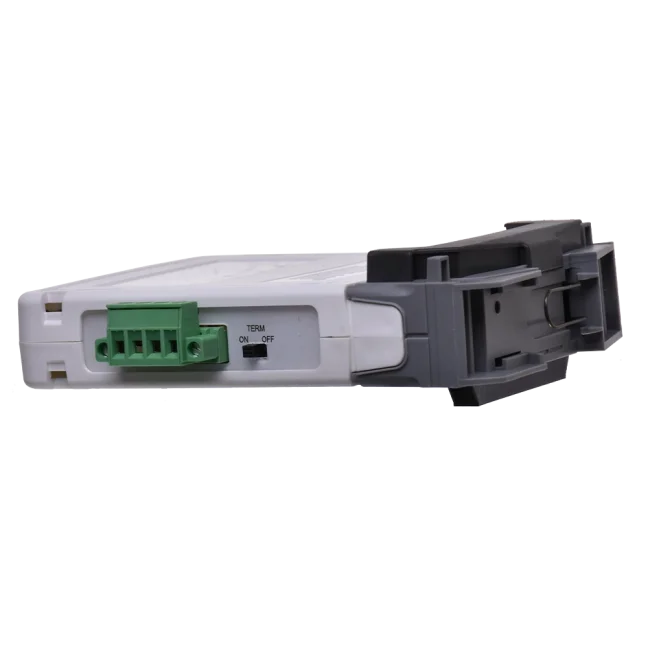
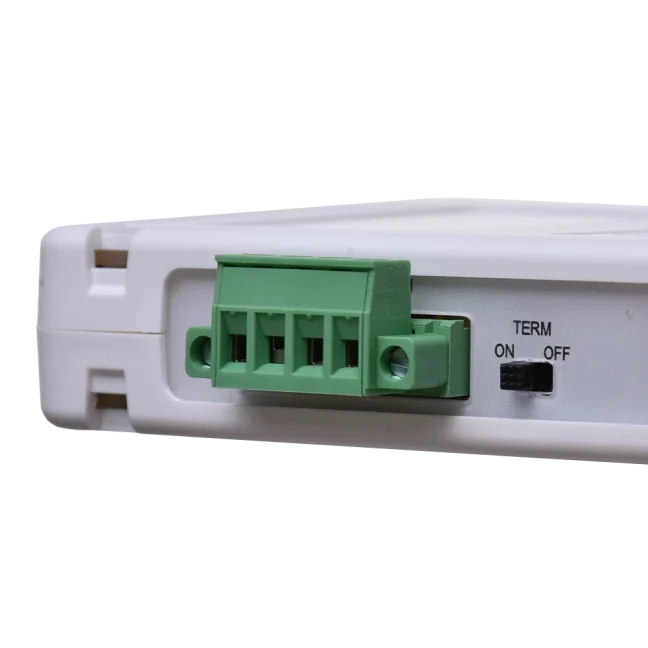
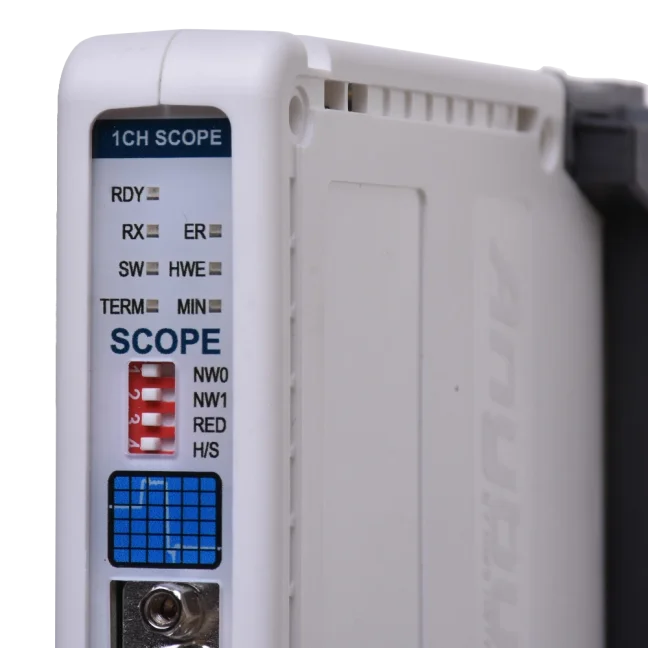
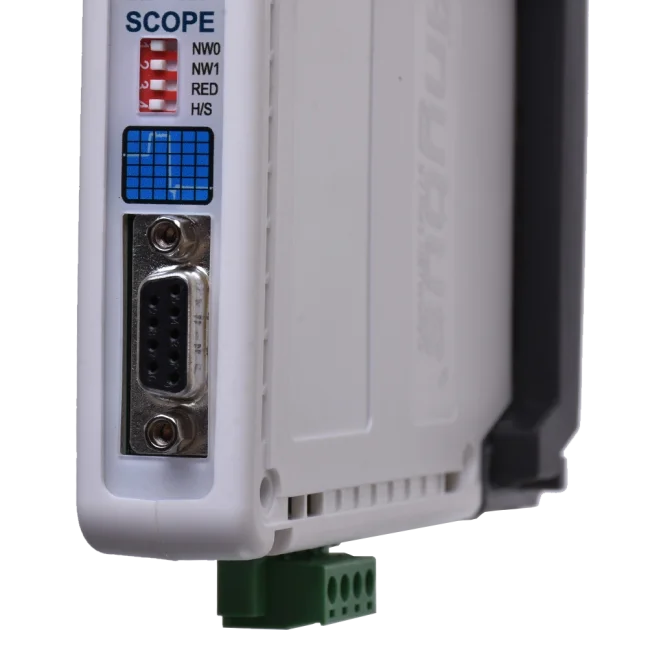
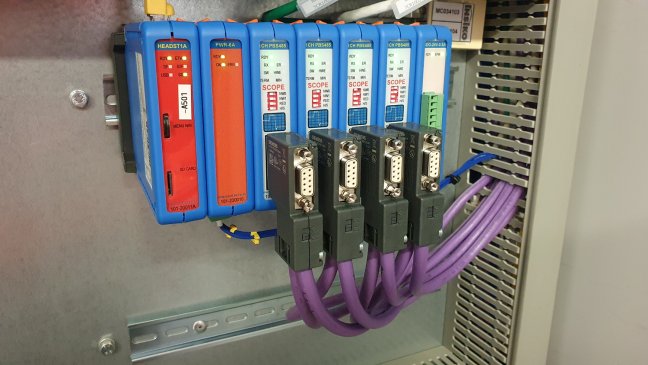
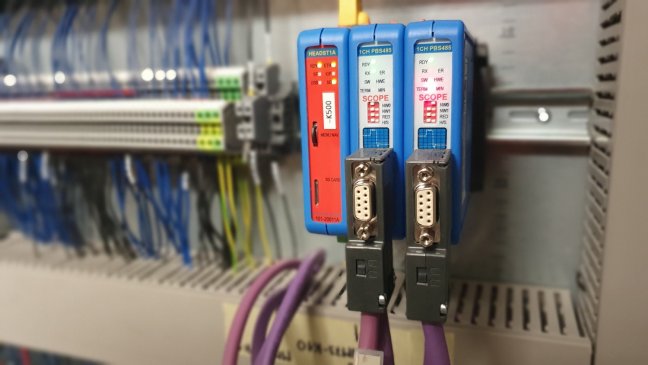


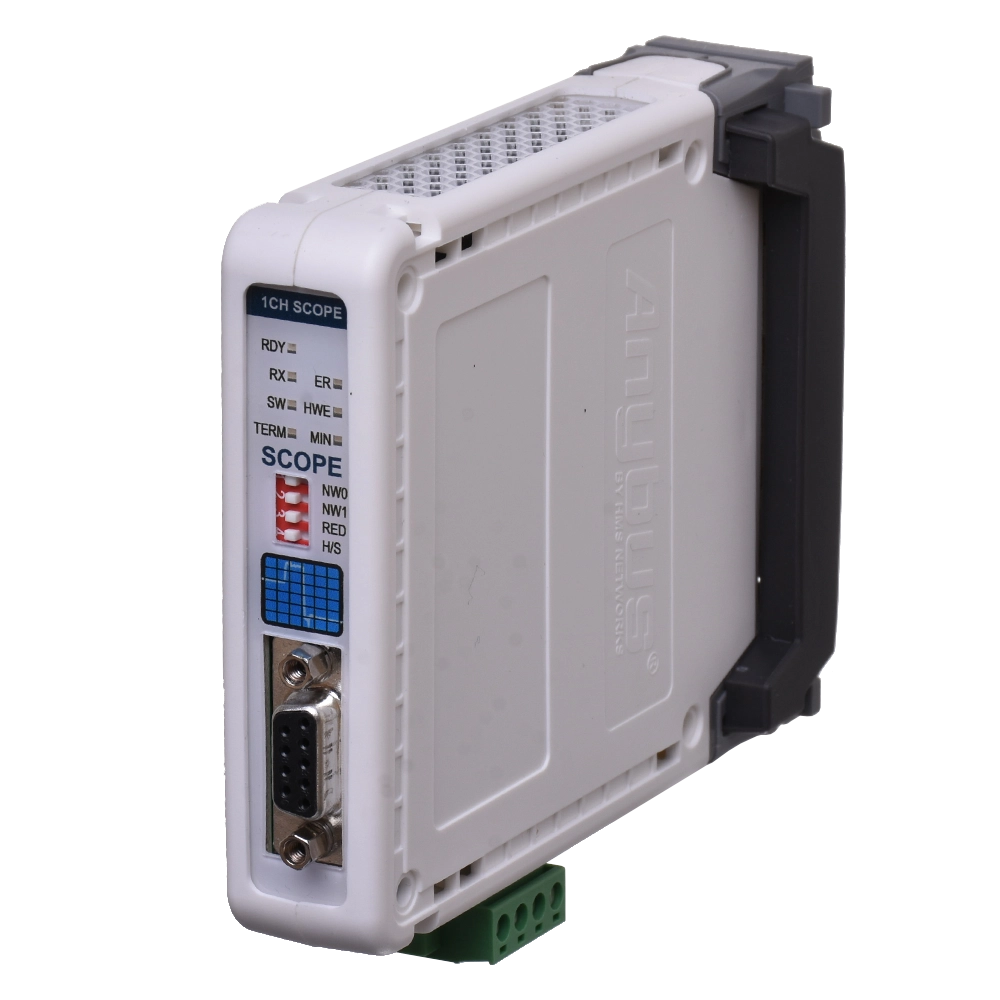
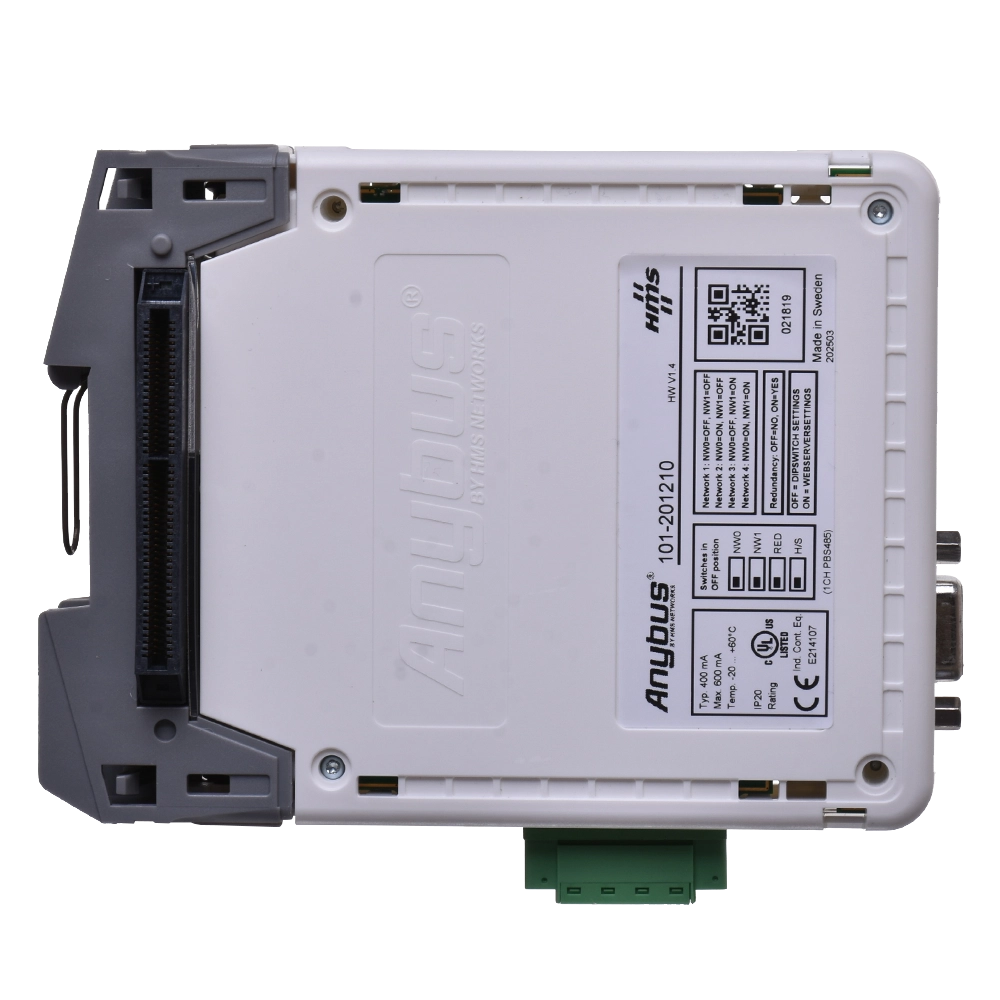
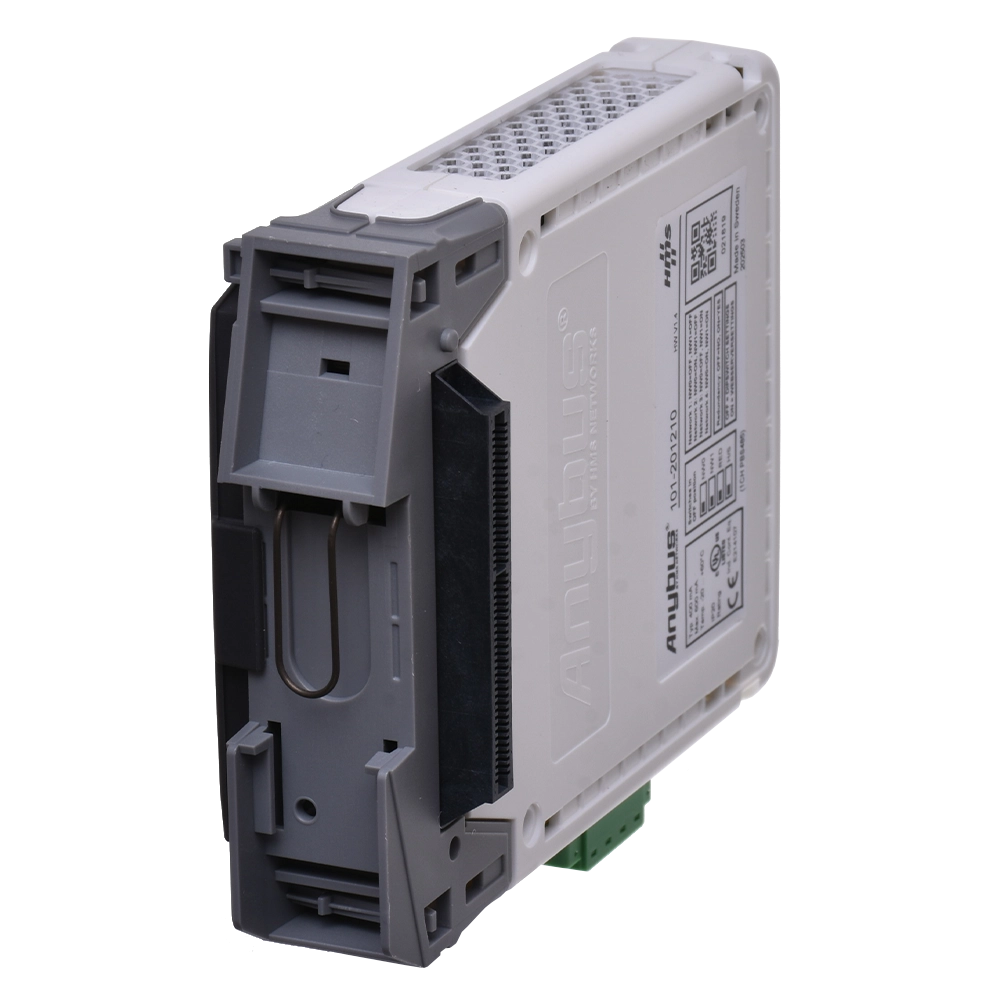
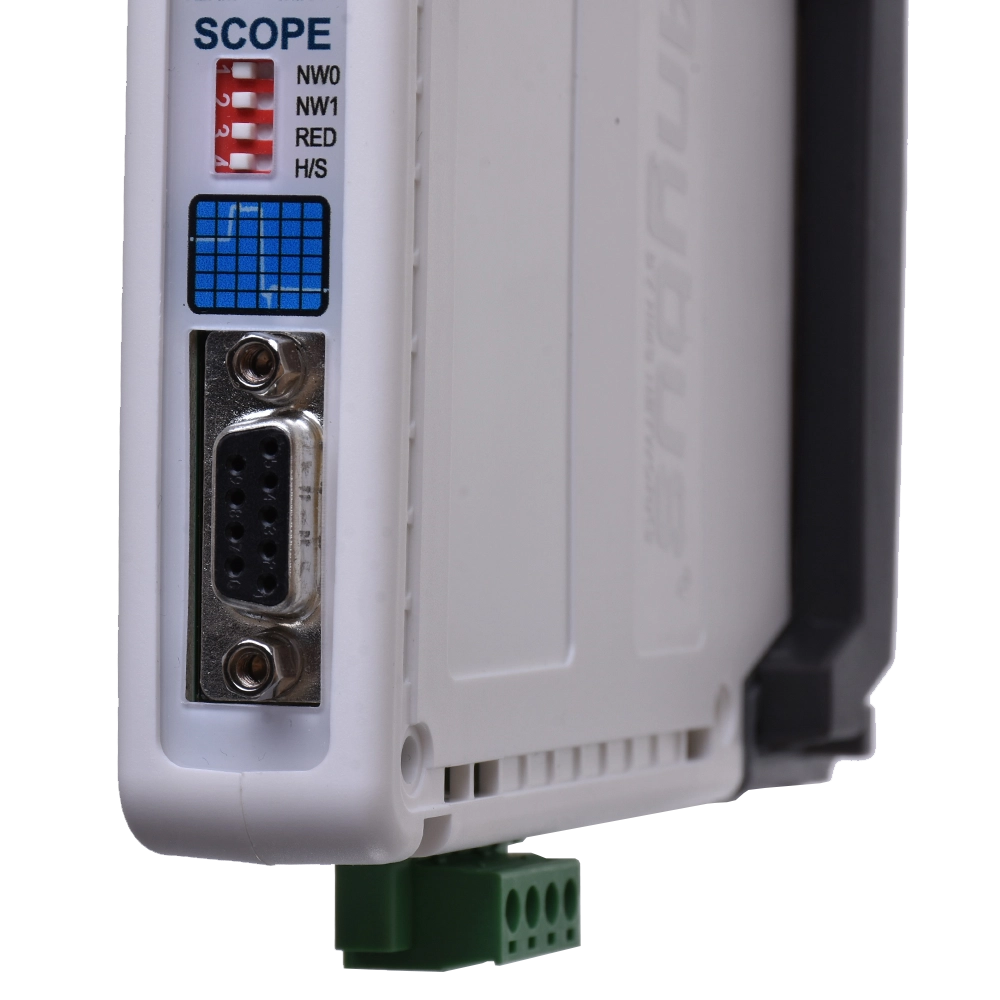
PROFIBUS repeater ComBricks with oscilloscope for 1 PROFIBUS segment

ComBricks module for advanced PROFIBUS network monitoring based on telegrams, voltages and oscilloscope waveforms. It works as a repeater only with another single- or dual-channel ComBricks repeater, while galvanically isolating segments and amplifying the signal for the next section of the network. More
Code: 101-201210
ComBricks module for advanced PROFIBUS network monitoring based on telegrams, voltages and oscilloscope waveforms. It works as a repeater only with another single- or dual-channel ComBricks repeater, while galvanically isolating segments and amplifying the signal for the next section of the network. More
Code: 101-201210
PROFIBUS repeater ComBricks with oscilloscope for 1 PROFIBUS segment
Profibus repeater for 1 channel (1 segment) with a built-in oscilloscope and voltage level indicator for connected PROFIBUS DP devices. Enables galvanically isolated network extension while simultaneously monitoring signal quality via a web interface.
Key Advantages
- Integrated oscilloscope for permanent signal monitoring
- Voltage level display for individual PROFIBUS DP devices
- Online diagnostics and management via web interface without the need for additional software
- Galvanically isolates PROFIBUS segments *)
- Amplifies and regenerates the communication signal to the next segment *)
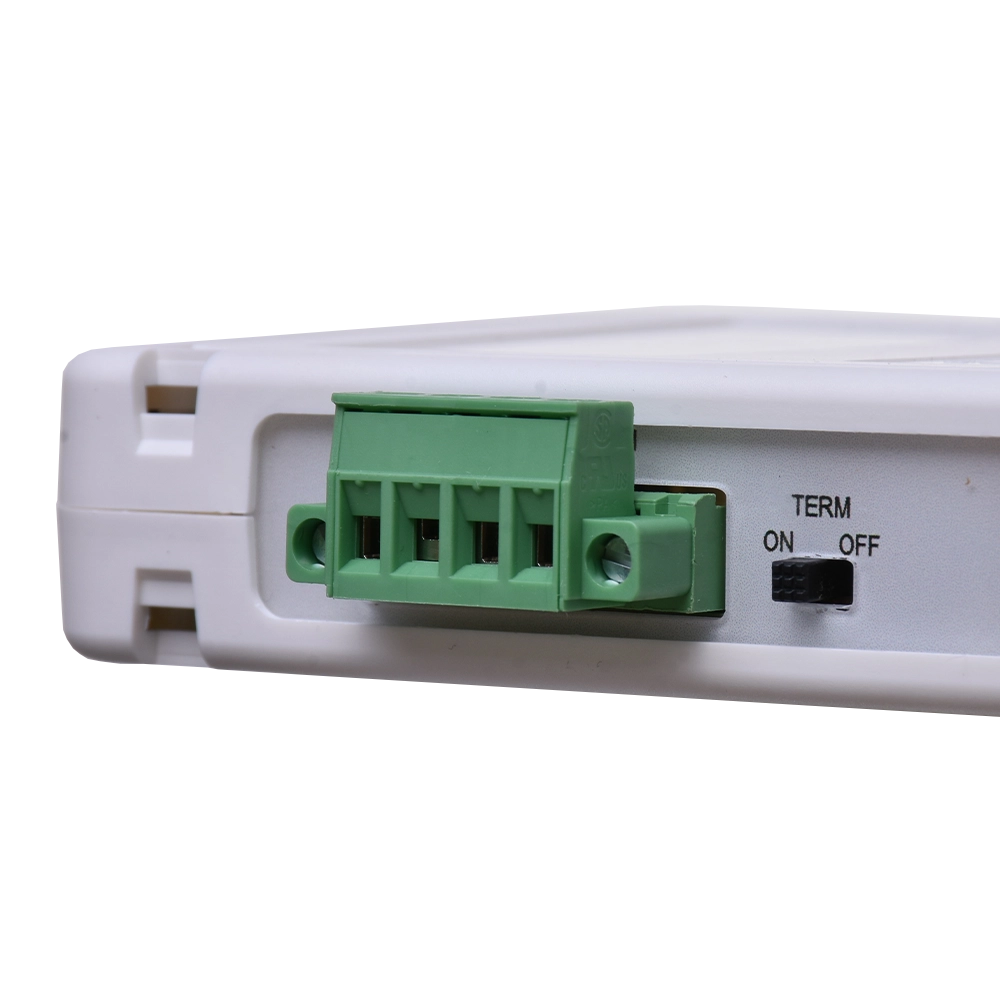
- Switchable bus termination
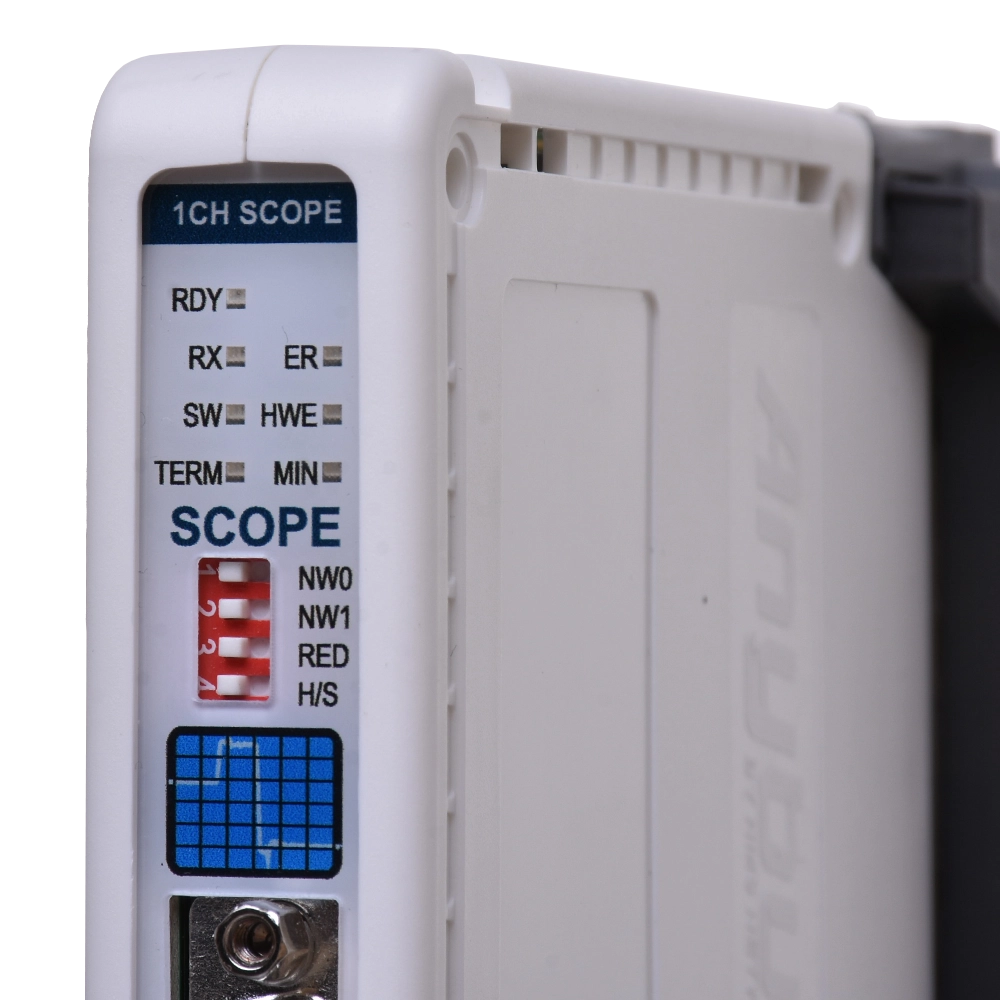
- LED indication of operation and faults
- Supports baudrate up to 12 Mbps
- Compact size, easy installation and commissioning
*) when used together with another ComBricks repeater
How the PROFIBUS repeater ComBricks with oscilloscope for 1 PROFIBUS segment works
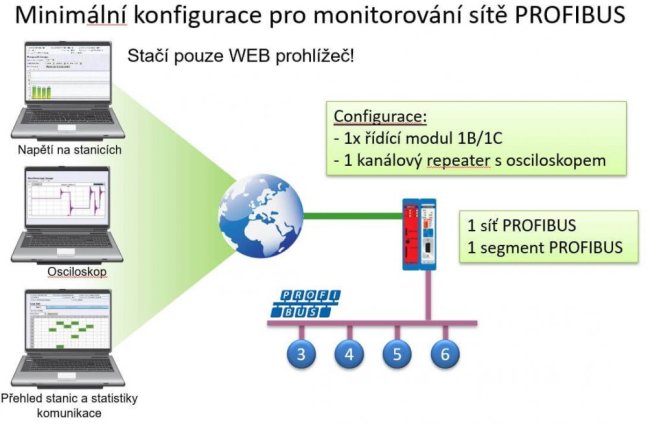
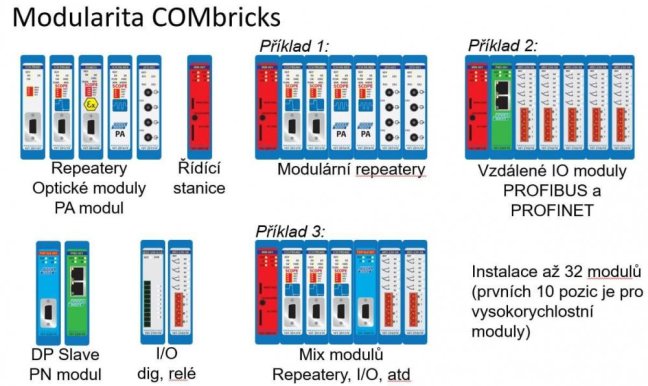
All ComBricks modules operate only in combination with a head station module type 1B or 1C.
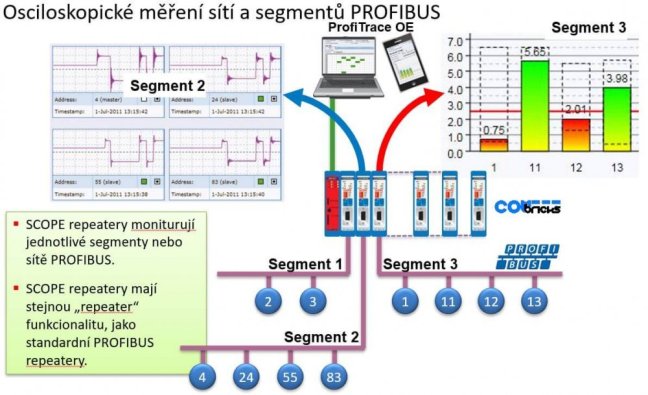
This single-segment repeater module, in addition to monitoring and recording unwanted messages on the PROFIBUS DP network, also displays voltage levels and oscilloscope waveform for individual devices.
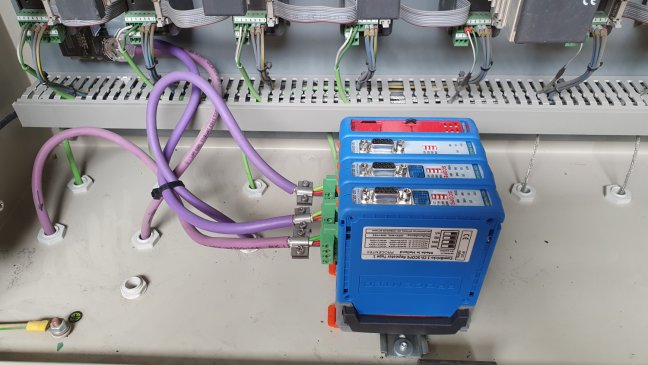
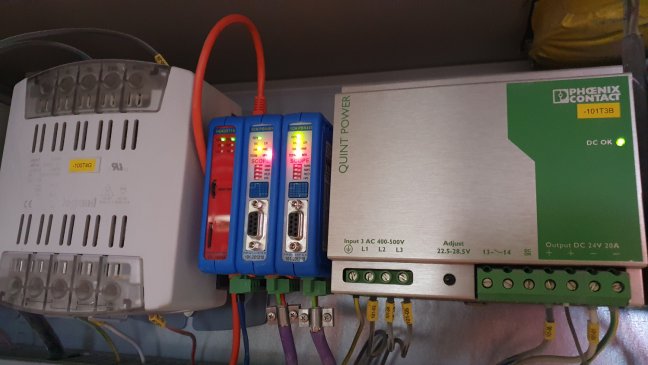
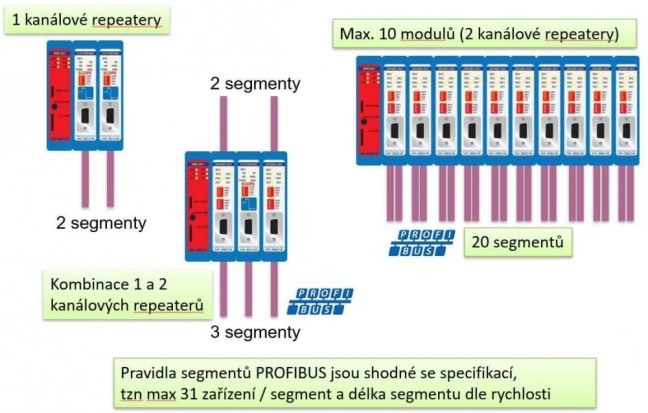
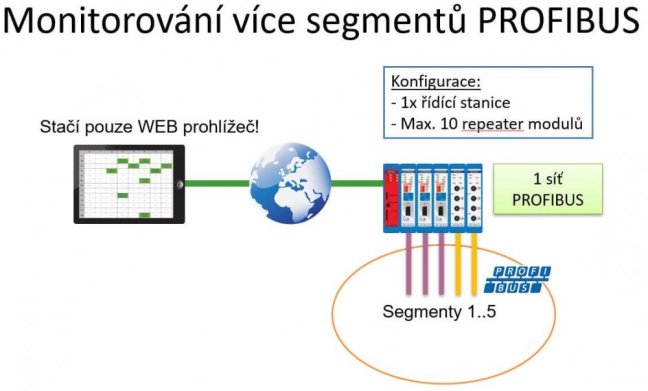
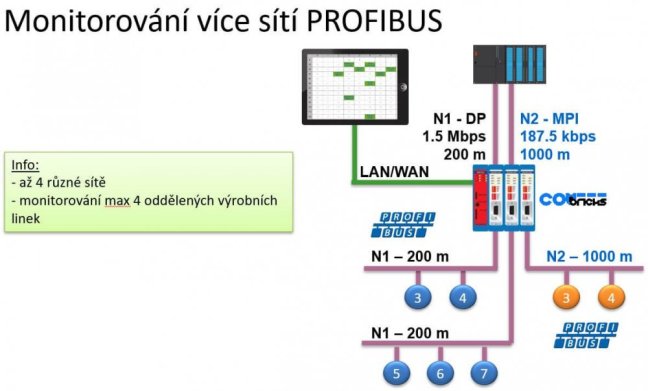
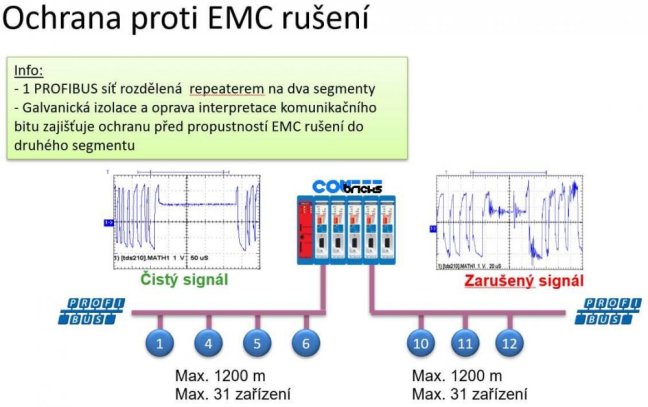
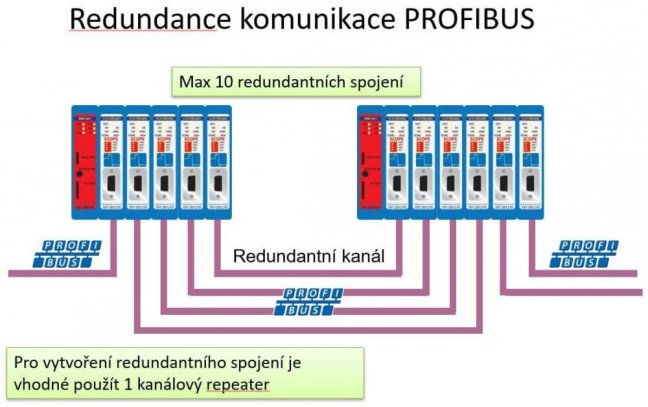
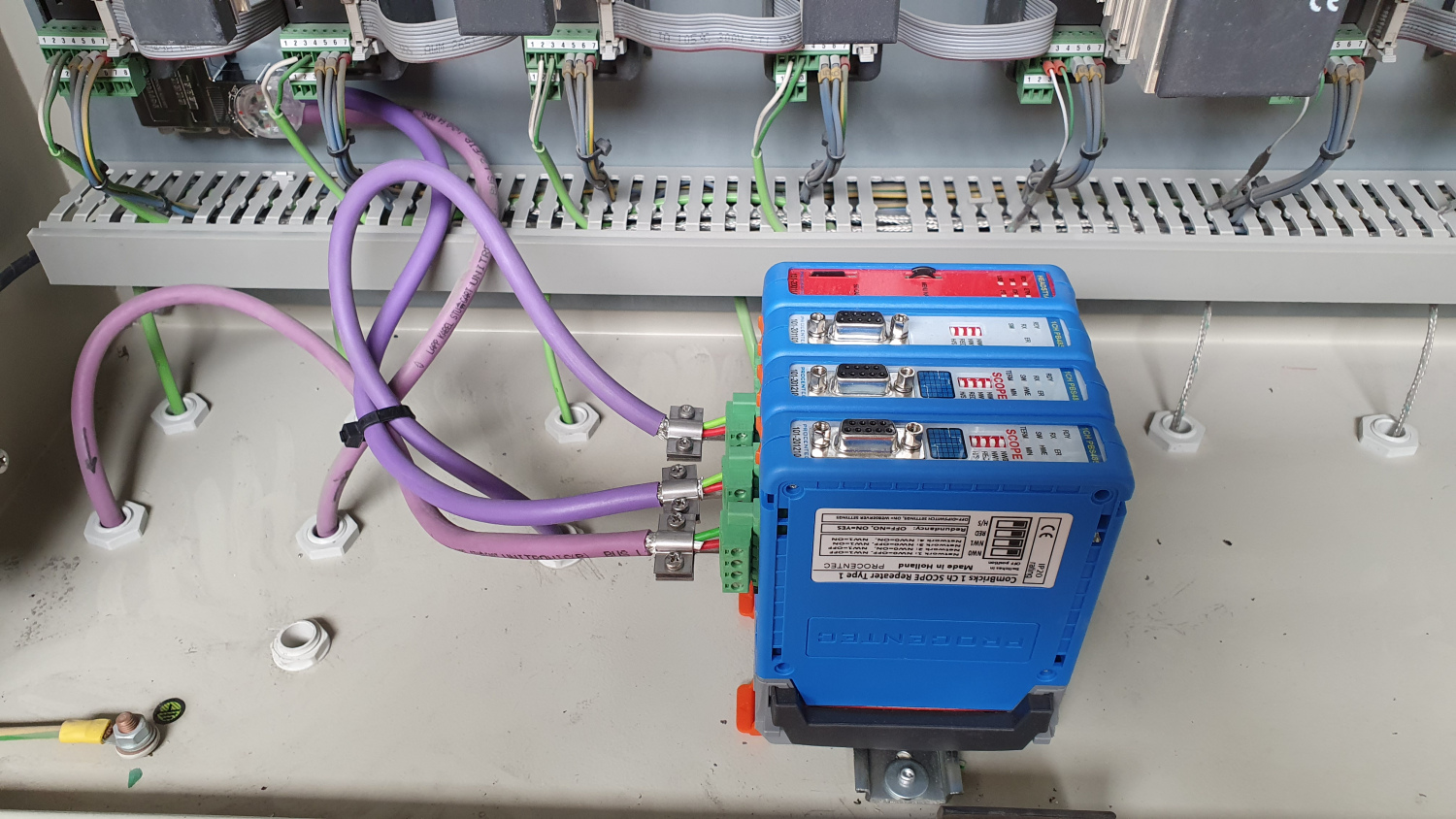
When used together with another single- or dual-channel ComBricks repeater, it works as a repeater. In this mode, it divides the PROFIBUS network into segments that are galvanically isolated, preventing electromagnetic interference in one segment from passing into the others. At the same time, it amplifies and digitally smooths the output signal for the next section of the network.
What is the difference between an oscilloscope repeater and a 1-segment repeater?
Unlike the 1-segment repeater, the oscilloscope repeater can also sense oscilloscope signal waveforms and voltage levels at individual stations in the segment, making it much easier to detect errors such as missing or excess termination resistors on connectors, network shorts, bad connectors, interference, and more.
How is the PROFIBUS DP network measured and monitored?
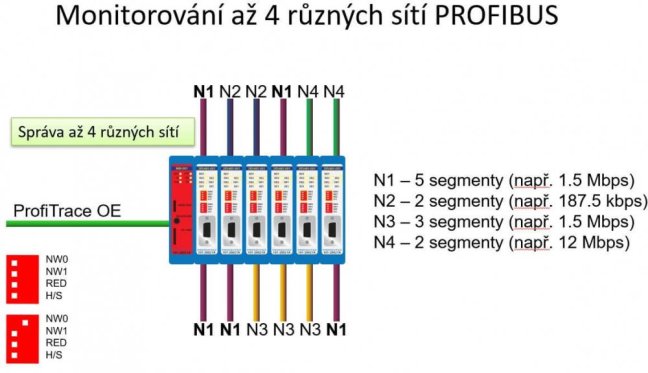
All monitoring of the PROFIBUS DP network can be performed via a web browser into which you enter the IP address of the ComBricks control module. In the menu on the left-hand side, there are several links for specific monitoring functions such as the online status of the connected stations in the PROFIBUS network and their unwanted communication statistics (repeated messages, station loss, damaged messages, sync, diagnostic queries from the station, etc.), oscilloscope waveforms for detecting unconnected terminating resistors or short circuits, and also graphs of the voltage levels at the individual PROFIBUS stations.
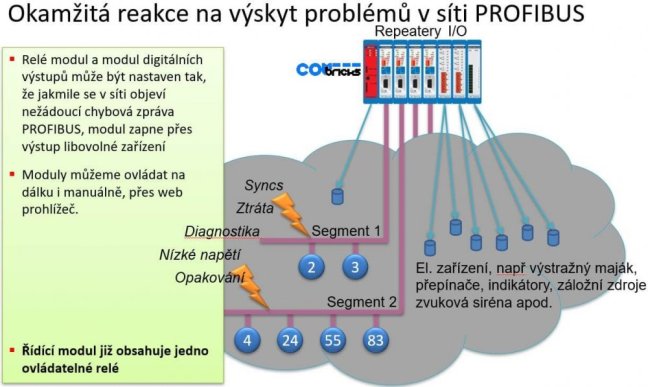
All diagnostics can be performed remotely via Ethernet / Internet, as the ComBricks control module can be accessed via TCP/IP locally and remotely. Remote monitoring of the PROFIBUS network is often handled via eWON routers. ComBricks can send us an e-mail message about error events and/or write the event to an internal log on an SD card.
Sample oscilloscope waveform recording
If the PROFIBUS DP network is in good shape, you will see rectangular waveforms with sharp edges on this screen. It is important to measure in each network segment because, for example, the insertion of a repeater separates the stations from the oscilloscope repeater and the waveform displayed in the separated segment no longer corresponds to reality. This is due to the function of the repeater, which separates the signals galvanically and smoothes them digitally. Therefore, it is sometimes preferable to solve the additional segment directly in the ComBricks modular system and insert additional modules of the Oscilloscope Repeater to create additional segments that can be measured thanks to these modules.
Captured error PROFIBUS waveform
These records are needed to evaluate random faults, such as a short on a cable that moves and occurs only occasionally.

Compare the records with the sample waveform, this is what the record should look like.

There is a termination problem in this net, check the terminations at both ends of the net.

Short circuit in the PROFIBUS network.

At our training courses, we will be happy to show you how to recognise what the problem is and you can try everything out under the supervision of a trainer. These training sessions are based on the knowledge gained from measurements carried out on our customers.
Sample graph of PROFIBUS voltage levels
You can immediately see on this graph whether there is a problem with the voltage level in the PROFIBUS DP network. Optimally, the displayed values should be approximately 5V. If the voltage is low, communication failures can easily occur, for example due to interference. Again, low voltages can also cause faulty network termination. Also in this case, the embedded repeaters in the measured segment will prevent the correct measurement of a separate segment of the PROFIBUS network.

Oscilloscope settings
On this tab you can influence the display of oscilloscope records and the voltage level graph. Each type of ComBricks oscilloscope module (PROFIBUS DP, PROFIBUS PA, SALT module) is set separately.

Report recording and evaluation with ProfiTrace 2
The oscilloscope repeater module also has the ability to record messages based on set triggers when an error occurs.
First you need to set which messages are to be captured. You must stop recording messages before setting them, otherwise the configuration cannot be changed. For comprehensive diagnostics, we recommend capturing all messages that the trigger settings allow. However, if you know that you have dismantled a station, for example, there will be a constant search for this station and thus Sync messages. This would cause constant logging of these messages. Therefore, we have the option to exclude these logs. We can also take advantage of the setting to record a certain number of messages both before and after an error event. This is useful for tracing in which context the event occurred. If everything is set, including the Auto trigger checkbox, start recording messages. The setup can then look like our example.

If an error message occurs during network monitoring, the message is saved on the memory card included in the control station. This message can be downloaded to your computer. If you download and install the free ProfiTrace 2 program that is part of the PROFIBUS tester, you can open this log and find out what caused the error. For simplicity, we have also added the program to this module in the Downloads section. You can see the display of the log in the following figure.
With the various ComBricks modules you get:
- LiveList - overview of live PROFIBUS DP stations in the network
- Communication statistics - frequency of unwanted events for each station in the network (outages, corrupted messages, retries, diagnostics, etc.)
- Oscilloscope waveforms of the PROFIBUS DP signal at each station and thus the ability to detect unconnected resistors, short circuits in the network, bad connectors, etc.
- Graph of voltage levels at individual stations in the PROFIBUS DP network
- Recording of PROFIBUS messages on the SD card, based on selected triggers
- Email/log alarm system that alerts you to any unwanted event in the PROFIBUS DP network
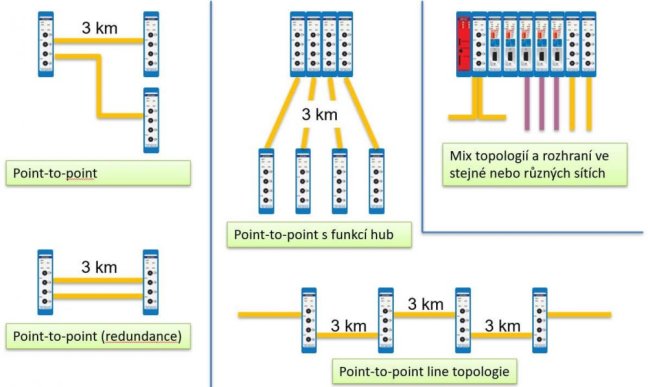
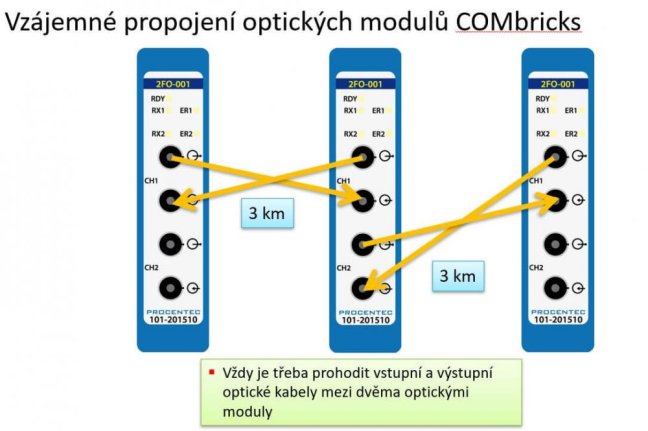
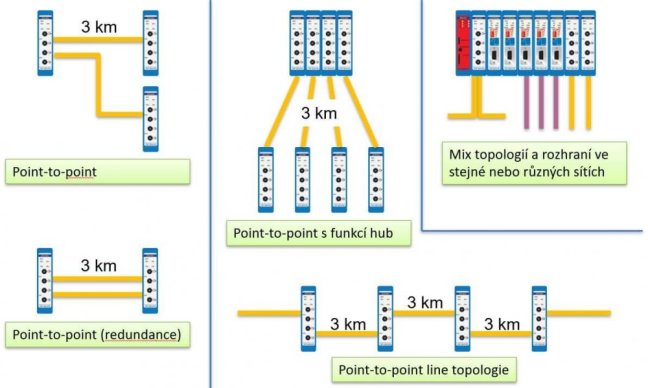
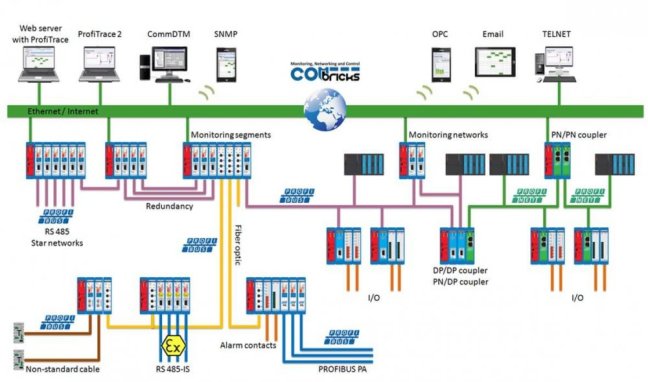
- Possibility to connect metallic and optical PROFIBUS DP networks
- Possibility to connect PROFIBUS DP and PROFIBUS PA networks (DP/PA Link/Coupler)
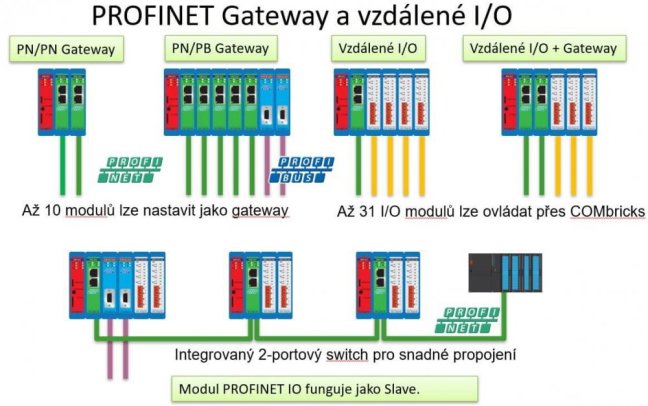
- Possibility to connect PROFIBUS and PROFINET networks (DP/PN Link/Coupler)
- Possibility to control digital outputs/inputs (create a PROFIBUS DP SLAVE station)
- Possibility to create an active network termination
Would you like to learn more? Register for our 2-day course full of practical demonstrations and exercises.
We train the basics and troubleshooting of PROFIBUS networks | FOXON Academy
Do you want to know why your industrial communication is dropping out? Know where the errors are on the bus and fix them quickly? How the PROFIBUS network works and how to upgrade it and make it more robust? Learn all this in a training session full of practical examples
Highlighted items are mandatory.

Training PROFIBUS - Basics, Diagnostics & Network Troubleshooting, 2 days
961,52 EUR Inkl. MwSt.

Diagnose, Reparatur und Monitoring von PROFIBUS Netzwerken
ab 361,76 EUR Inkl. MwSt.
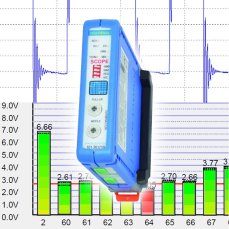
PROFIBUS repeater ComBricks with oscilloscope and termination control for 1 PROFIBUS segment
756,84 EUR Inkl. MwSt.
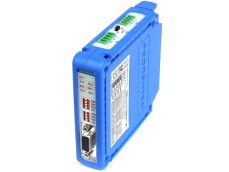
PROFIBUS repeater ComBricks for 2 PROFIBUS segments
677,11 EUR Inkl. MwSt.
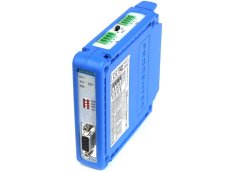
PROFIBUS repeater ComBricks for 1 PROFIBUS segment
520,03 EUR Inkl. MwSt.
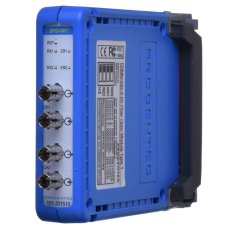
ComBricks PROFIBUS Fiber Optic Module
978,18 EUR Inkl. MwSt.
ComBricks Head Station 1C
2 332,40 EUR Inkl. MwSt.
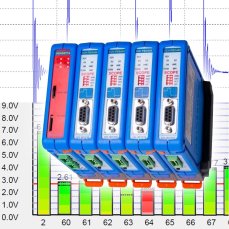
ComBricks Advanced set for permanent measuring of max four PROFIBUS networks / segments
7 101,92 EUR Inkl. MwSt.
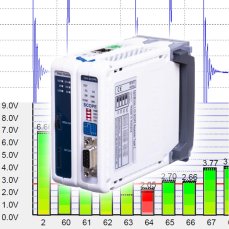
ComBricks Standard set for permanent monitoring of one PROFIBUS network / segment
2 986,90 EUR Inkl. MwSt.
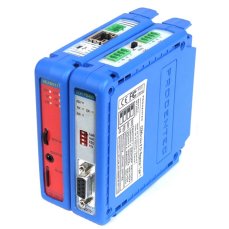
ComBricks Basic set for permanent monitoring of one PROFIBUS network / segment
2 261 EUR Inkl. MwSt.
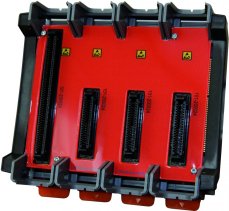
COMbricks - Fixed backplane HS + 3 Sub
196,35 EUR Inkl. MwSt.

ComBricks - Fixed backplane HS + 1 Sub
135,66 EUR Inkl. MwSt.
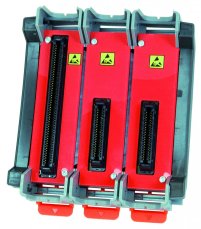
ComBricks - Fixed backplane HS + 2 Sub
165,41 EUR Inkl. MwSt.
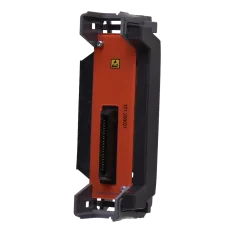
ComBricks - Standard backplane unit
77,35 EUR Inkl. MwSt.
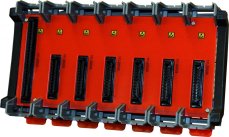
ComBricks - Fixed backplane HS + 6 Sub
304,64 EUR Inkl. MwSt.
Related products15
Training PROFIBUS - Basics, Diagnostics & Network Troubleshooting, 2 days
961,52 EUR Inkl. MwSt.
Diagnose, Reparatur und Monitoring von PROFIBUS Netzwerken
ab 361,76 EUR Inkl. MwSt.
PROFIBUS repeater ComBricks with oscilloscope and termination control for 1 PROFIBUS segment
756,84 EUR Inkl. MwSt.
PROFIBUS repeater ComBricks for 2 PROFIBUS segments
677,11 EUR Inkl. MwSt.
PROFIBUS repeater ComBricks for 1 PROFIBUS segment
520,03 EUR Inkl. MwSt.
ComBricks PROFIBUS Fiber Optic Module
978,18 EUR Inkl. MwSt.
ComBricks Head Station 1C
2 332,40 EUR Inkl. MwSt.
ComBricks Advanced set for permanent measuring of max four PROFIBUS networks / segments
7 101,92 EUR Inkl. MwSt.
ComBricks Standard set for permanent monitoring of one PROFIBUS network / segment
2 986,90 EUR Inkl. MwSt.
ComBricks Basic set for permanent monitoring of one PROFIBUS network / segment
2 261 EUR Inkl. MwSt.
COMbricks - Fixed backplane HS + 3 Sub
196,35 EUR Inkl. MwSt.
ComBricks - Fixed backplane HS + 1 Sub
135,66 EUR Inkl. MwSt.
ComBricks - Fixed backplane HS + 2 Sub
165,41 EUR Inkl. MwSt.
ComBricks - Standard backplane unit
77,35 EUR Inkl. MwSt.
ComBricks - Fixed backplane HS + 6 Sub
304,64 EUR Inkl. MwSt.