
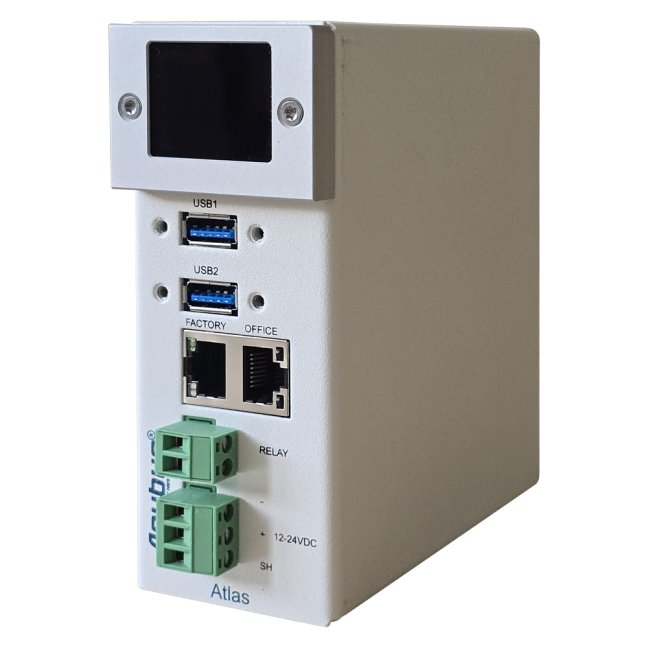
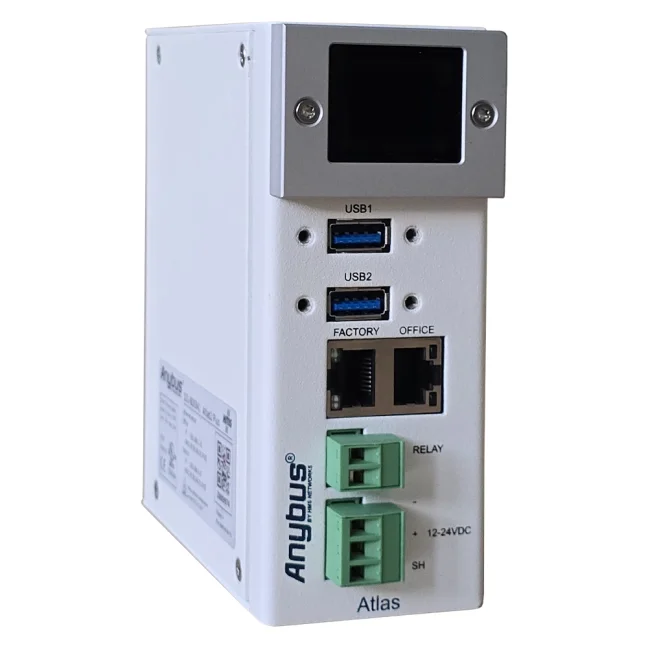
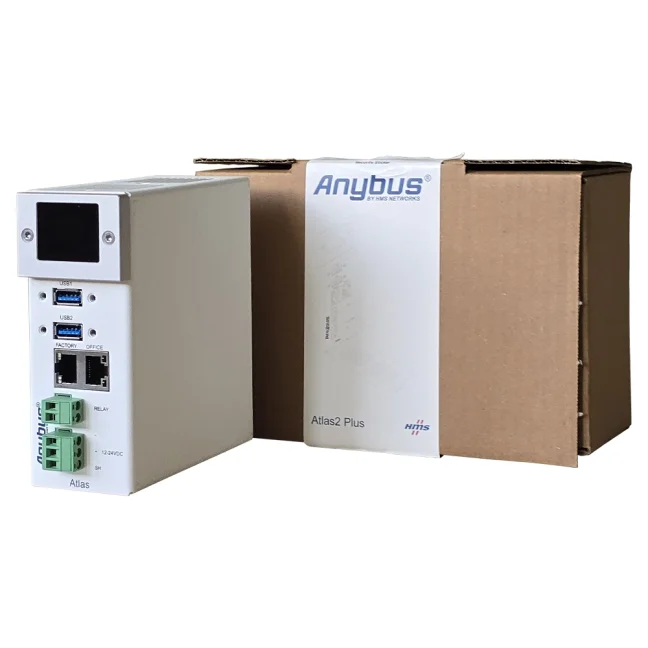
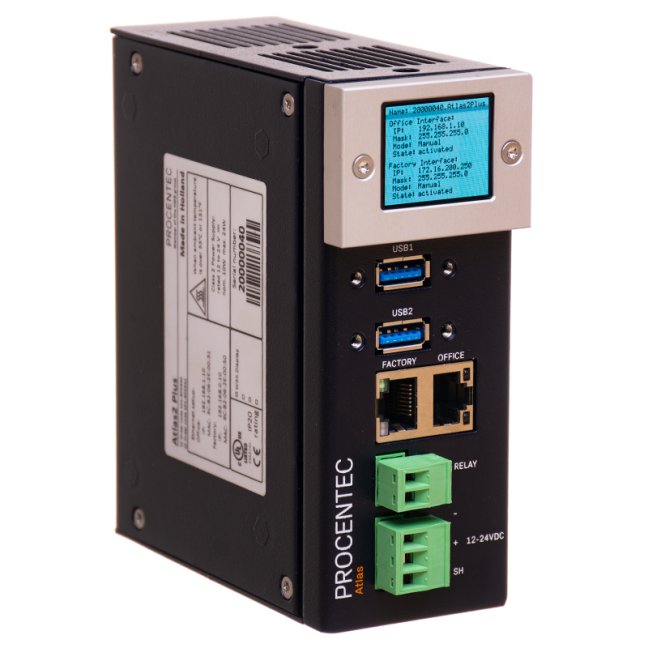
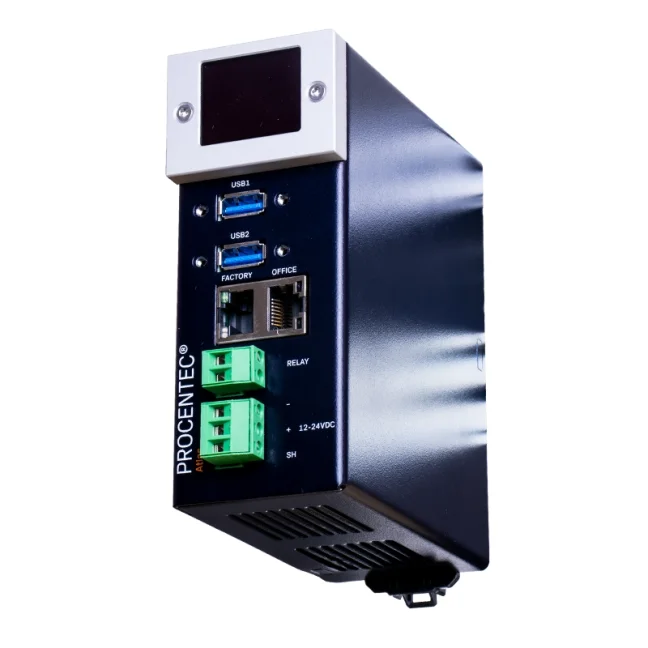
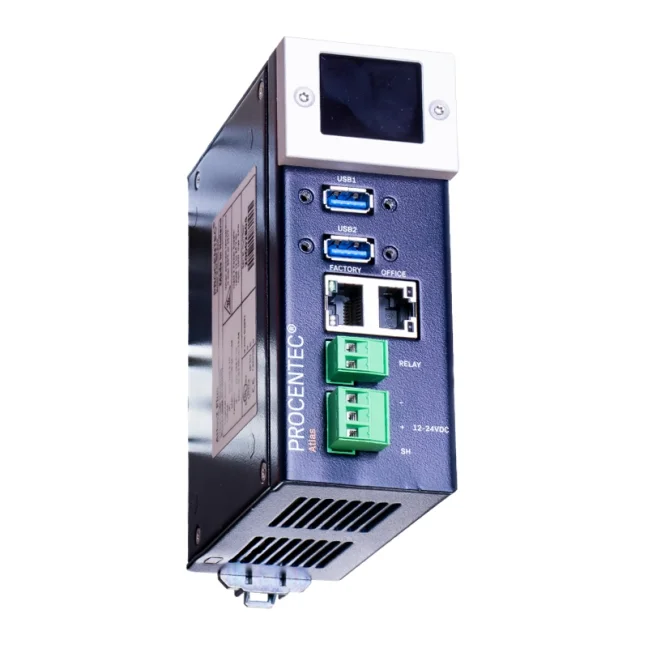


Atlas2 Plus OLED Display: PROFINET Permanent Monitoring Kit 100 tester

Analyzer for permanent measurement of PROFINET network. Includes tools for active and passive network test. More
Code: 101-800311
Analyzer for permanent measurement of PROFINET network. Includes tools for active and passive network test. More
Code: 101-800311
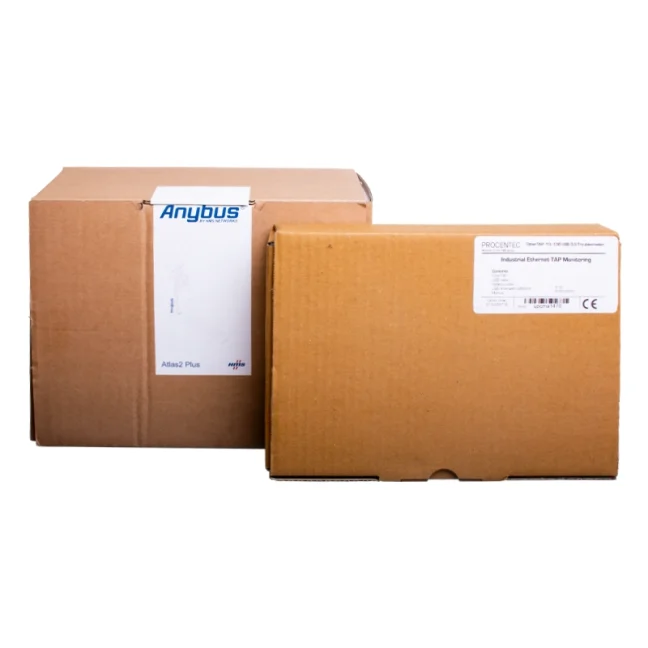
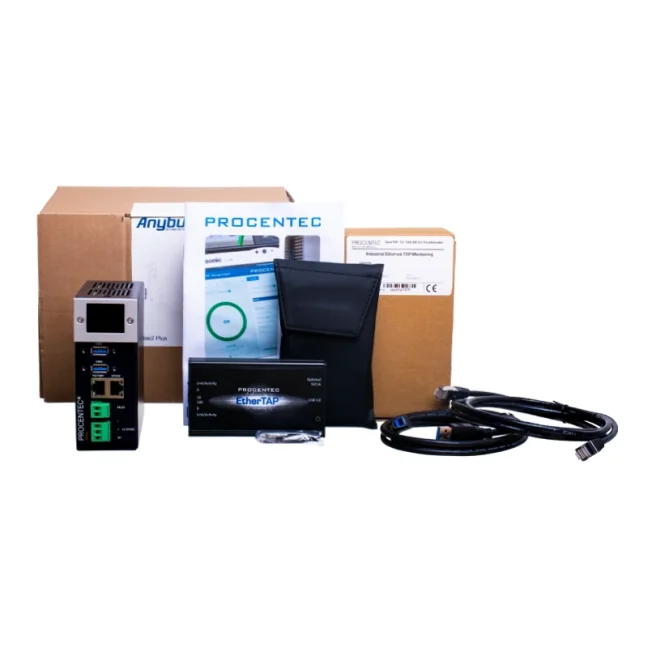
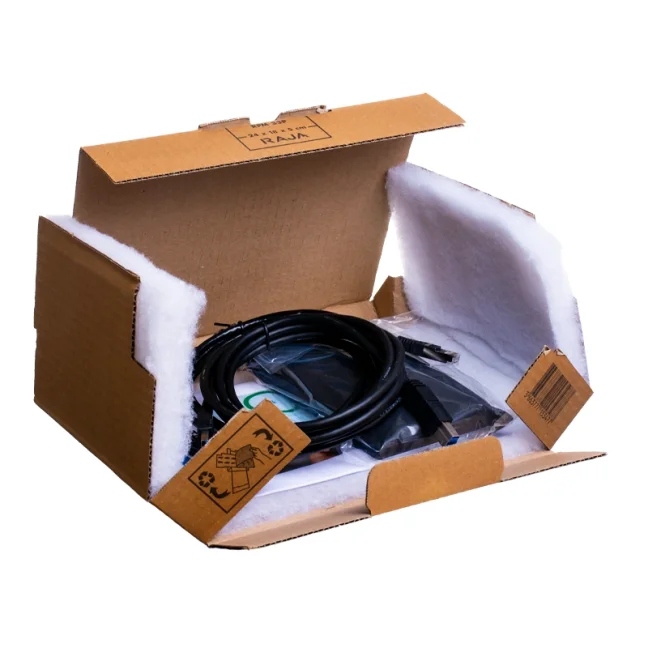
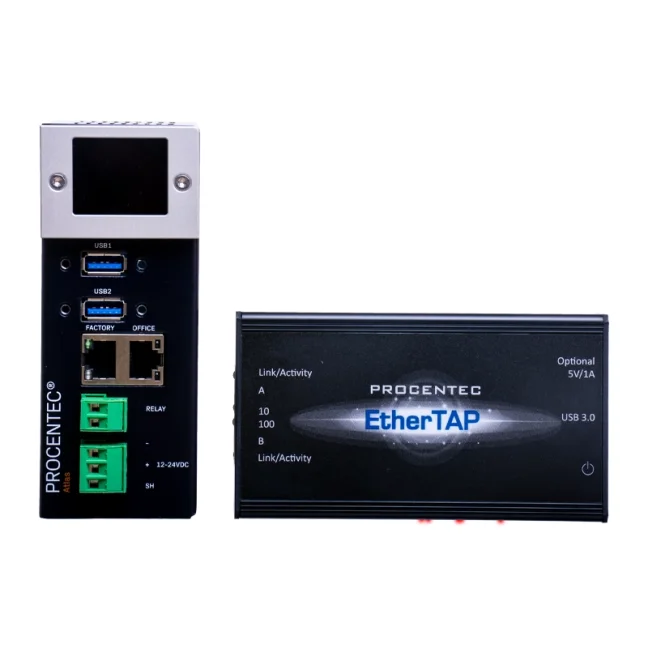
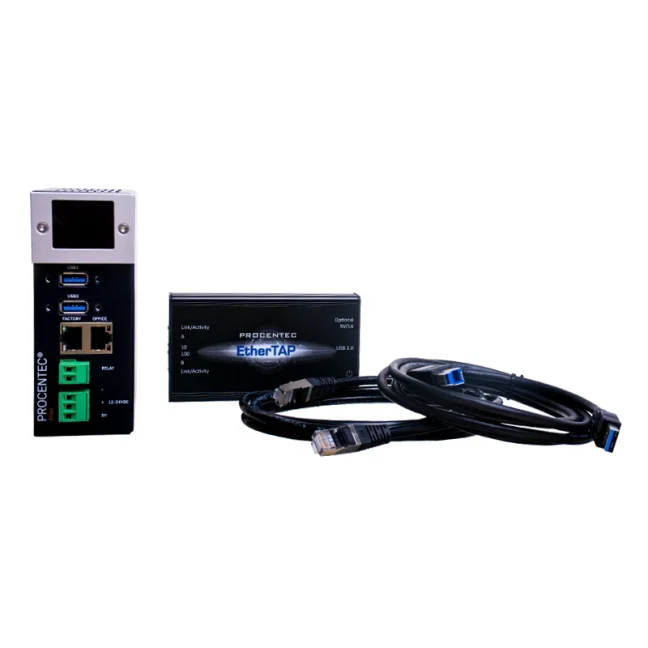
Delivery includes:
- 1 x Atlas2 Plus OLED (101-800341)
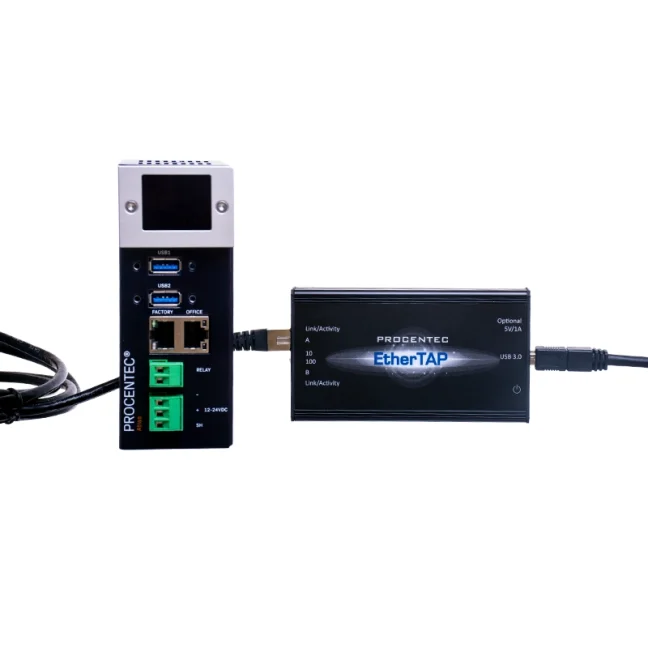
- 1 x EtherTAP: PROFINET Analysis (101-700204E)
- 1 x EtherTAP 10/100 (513-00011A)
- 1 x TAP Din Rail Mount (70010057)
- 1 x USB 3.0 A -B - 1,8m
- 1 x Patch kabel CAT5E - 2m
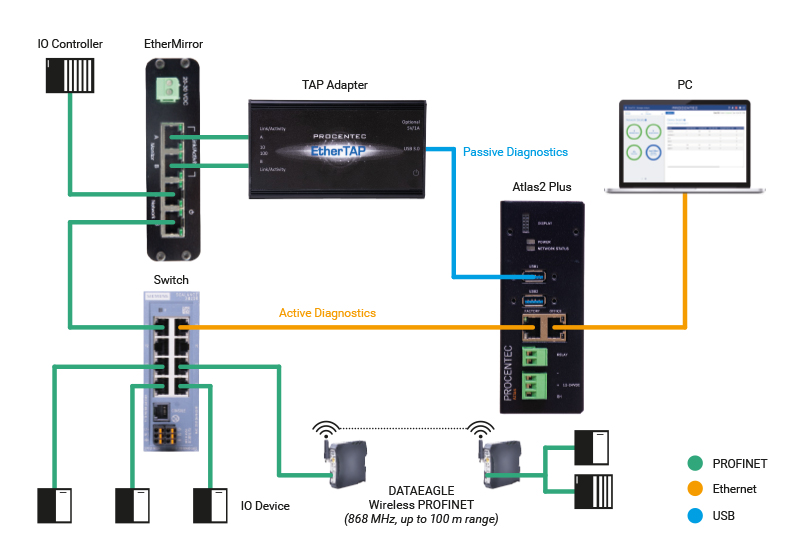
PROFINET industrial networks can be measured in two ways, actively and passively. Each type of measurement provides different data. The ATLAS2 Plus OLED Display analyzer measures PROFINET networks actively and passively. Active tests consist of the analyzer sending queries to all stations in the measured network at regular intervals and processing the information obtained in a clear dashboard.
1. Active PROFINET test
The Atlas2 queries all stations in the network, most often using SNMP. To perform an active analysis, simply connect the Atlas2 to any free port in the PROFINET network. A free port can usually be found on a PLC, on a PLC switch or on the last station in the network.
By active measurement we can find out:
- PROFINET station names,
- IP and MAC addresses of the stations,
- the firmware versions of the stations,
- device ordering code and station serial numbers
- device type,
- network topology,
- number of corrupted messages on each station (depends on the firmware of the station),
- the number of dropped messages on each station (depending on the firmware of the station),
- data flows on all ports of the stations in the network (depending on the firmware of the station),
- station status, e.g. everything is OP, reporting some diagnostics on XY channel, etc,
- station loss (only on the principle of ping),
- time since last reboot (uptime),
- port statuses (busy, free)
- cable lengths between stations (depends on the firmware of the stations).
2. Passive analysis
The passive test is not included in the purchase of the "Atlas2 Plus OLED Display" tester. The passive test can be purchased.
The passive method works by using a TAP adapter placed on the busiest cable in the network (usually between the PLC and the rest of the network) to intercept communications. We only eavesdrop on the communication, we do not write anything down. The TAP adapter assigns a timestamp to each packet and then sends the data via USB to the Atlas2 analyzer.
By passive measurement, we can determine:
- PROFINET alarms and their characteristics,
- data exchange cycles,
- maximum and minimum communication variance (jitter),
- the number of dropped packets,
- packet types.
Do you need to measure with the active or passive method?
If you want to know the names of the stations in the network, their topology, information about the network, etc., then it is sufficient to measure the network by active analysis.
However, if your PROFINET network is experiencing a fault and you want to identify (and subsequently eliminate) this fault, you need to measure the network both actively and passively.
Frequently Asked Questions (FAQ) – Atlas2 Plus OLED Display: PROFINET Permanent Monitoring Kit 100
What is the Atlas2 Plus OLED Display: PROFINET Permanent Monitoring Kit 100?
Atlas2 Plus is a diagnostic tool for permanent monitoring of industrial PROFINET networks. It enables long-term monitoring of network condition, detection of installation or configuration errors, and continuous evaluation of network communication without having to deal with problems only when a failure occurs.
What is Atlas2 Plus used for?
It is used for continuous supervision of a PROFINET network. It helps detect unstable communication, topology problems, connection errors, or a deteriorating network condition before they lead to machine failures or production downtime.
Is Atlas2 Plus intended for one-time measurement or for permanent installation?
This product is intended primarily for permanent installation in a control cabinet or technology. Compared to one-time service measurements, it is suitable wherever you need to monitor the network over the long term and have access to history and ongoing diagnostics.
Which networks is this version intended for?
This specific version is intended for PROFINET networks. Atlas2 Plus as a platform also supports other industrial Ethernet networks, but this kit is supplied as a PROFINET Permanent Monitoring Kit 100.
How does Atlas2 Plus help with PROFINET network diagnostics?
It enables 24/7 network monitoring, topology visualization, and communication evaluation between devices. This helps identify the problematic point in the network more quickly and reduces the time needed for service or troubleshooting.
Does Atlas2 Plus support both active and passive network testing?
Yes. Atlas2 Plus combines active and passive diagnostic methods. This makes it suitable both for continuous operational monitoring and for more detailed network condition analysis.
What does the OLED display on Atlas2 Plus mean?
The OLED display is used to show basic diagnostic information directly on the device. This allows operators to quickly check the device or network status even without opening software on a computer.
What is included in this kit?
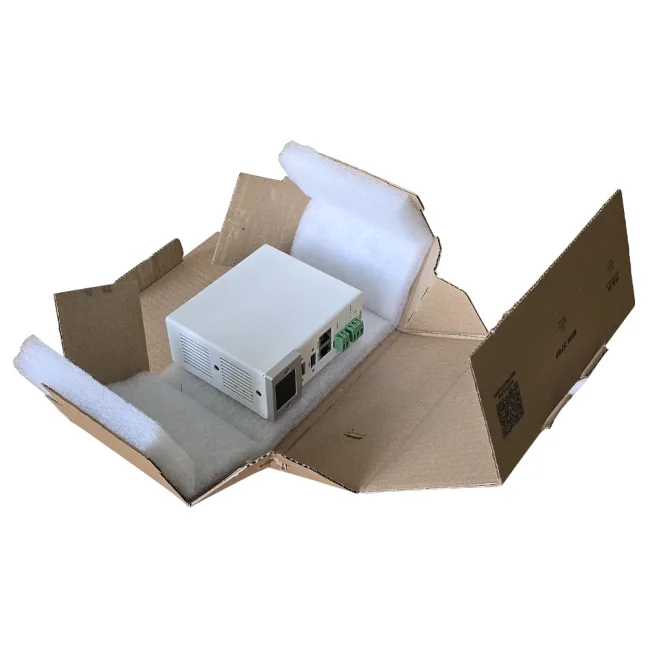
The package includes 1x Atlas2 Plus OLED, 1x EtherTAP: PROFINET Analysis, 1x EtherTAP 10/100, 1x DIN rail TAP holder, 1x USB 3.0 A-B cable, and 1x CAT5E patch cable.
Is Atlas2 Plus suitable only for service, or also for operation and maintenance?
It is suitable for both. Service technicians can use it for diagnostics, while maintenance and operations teams can use it for long-term monitoring of network condition and prevention of failures.
Can Atlas2 Plus display the network topology?
Yes. Atlas2 Plus provides a detailed view of the network topology and information about individual devices, their communication, and connectivity within the network.
Can diagnostic data from Atlas2 Plus be passed on to higher-level systems?
Yes. Atlas2 Plus supports export of diagnostic data via OPC UA and MQTT, so the data can be further used in SCADA or other higher-level systems.
Where is Atlas2 Plus mounted?
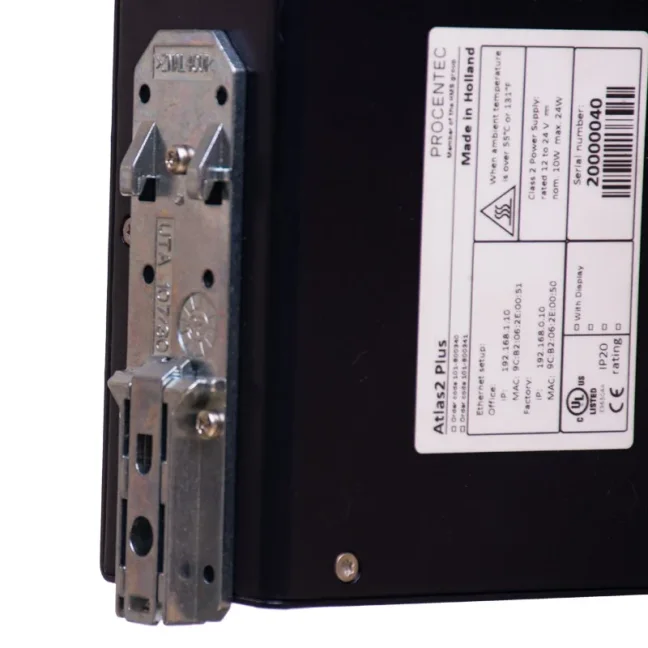
The device is designed for DIN rail mounting. This makes it suitable for installation directly in a control cabinet or technology enclosure as part of permanent monitoring.
What power supply does Atlas2 Plus require?
Atlas2 Plus is powered by 12 to 24 V DC.
In what environment can Atlas2 Plus operate?
The device is intended for industrial use. The operating temperature range is from -20 to +60 °C.
Who is Atlas2 Plus suitable for?
It is suitable for manufacturing companies, system integrators, service technicians, and maintenance teams that need to keep a PROFINET network under long-term control, not only during occasional interventions.
When does permanent monitoring make more sense than one-time measurement?
Permanent monitoring makes sense especially where faults occur irregularly, where downtime is costly, or where it is necessary to monitor communication quality and network condition over time.
Is Atlas2 Plus also suitable for preventive maintenance?
Yes. That is in fact one of its main benefits. It helps identify network problems before they appear as machine failures or communication outages.

The 3 Biggest Killers of the PROFINET Industrial Network
Our engineers perform diagnostics of industrial networks in hundreds of manufacturing companies. They travel across the country to find the causes of failures. We have asked them what problems they have most frequently diagnosed in customers' PROFINET networks recently. What have they told us?
Highlighted items are mandatory.
EtherNet/IP measurement license for Atlas2 Plus
328,44 EUR Inkl. MwSt.

Training PROFINET – Basics, Diagnostics & Network Troubleshooting, 2 days
961,52 EUR Inkl. MwSt.
Related products2
EtherNet/IP measurement license for Atlas2 Plus
328,44 EUR Inkl. MwSt.
Training PROFINET – Basics, Diagnostics & Network Troubleshooting, 2 days
961,52 EUR Inkl. MwSt.